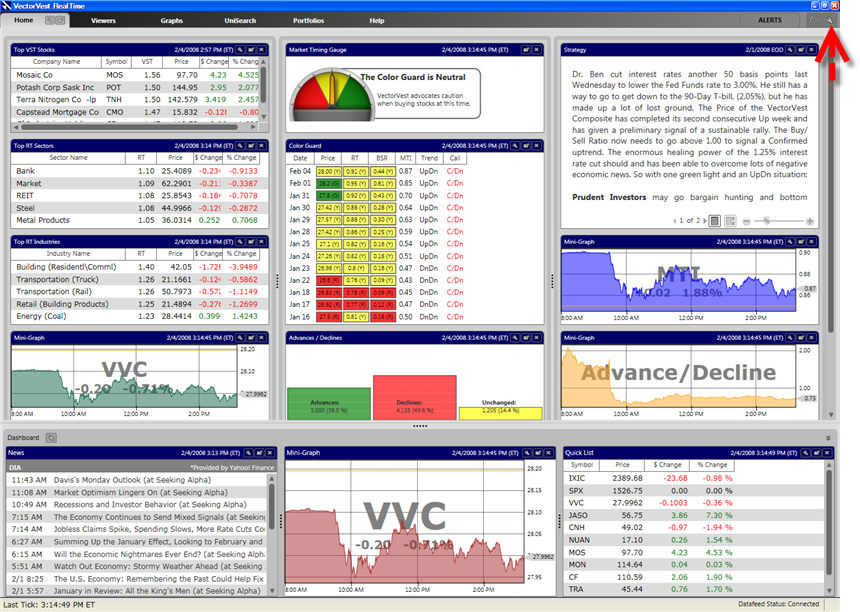
The Program Settings Window enables you to set the default selections used for the Home Page, Dashboard, Graphs, Portfolios and Quickfolios. You may also change the Program's color scheme from this window.
Accessing the Program Settings Window:
Click the Settings Icon, located next to the Alerts button, in the top right corner of the program.
Using the Program Settings Window:
The Program Settings Window has three main tabs. Click the desired tab to make your selections.
Any changes made in the Program Settings Window will not take affect until the 'Apply' or 'OK' Button is clicked.
Restoring the Original Program Defaults:
Each Tab includes individual options for restoring selections to the original VectorVest layout, but the Restore Defaults Button, located at the bottom left of the Program Settings Window, will restore all the original options for all the tabs, with the exception of the HomePage and Dashboard Layouts.
Clicking 'OK' or 'Cancel' will close the Program Settings Window.