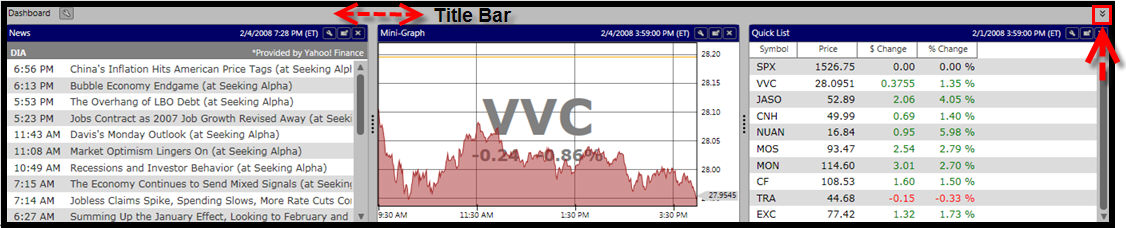
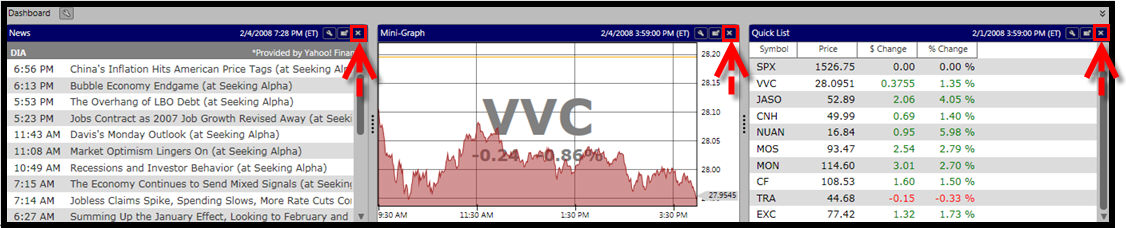
The Dashboard conveniently enables you to access and track up to three items, or Gadgets, at a time while navigating throughout the program. The Dashboard is shown at the bottom of the screen and can be hidden from view with a single click. By default, the RealTime Dashboard will display a Newsfeed of the Top Market Stories from Yahoo! Finance, a MiniGraph of the VVC, and a QuickList tracking the DJI, IXIC, SPX, and VVC. Each of these Gadgets may be customized to your preference or replaced with other available Gadgets. Available Gadgets include: Color Guard, Market Timing Gauge, QuickLists, News, Strategy, Top Items, VectorVest at a Glance, Standard MiniGraph, Advances/Declines, and Portfolio MiniGraph. Click on the Gadget listed to view its description.
Changing Gadget Settings:
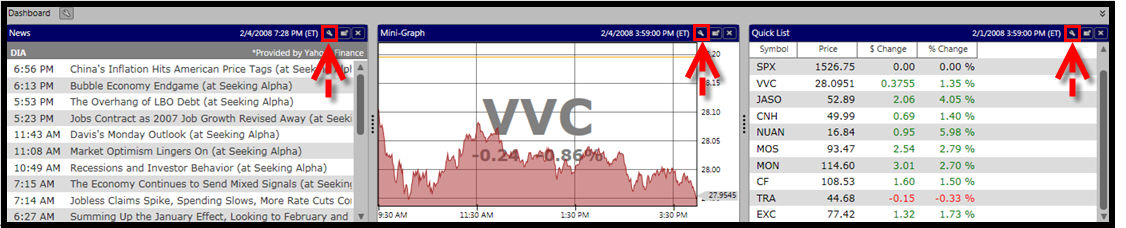
Each Gadget can be customized by clicking the Settings Icon on the Gadget's Title Bar. The options will vary according to the Gadget selected.
Detaching Dashboard Gadgets:
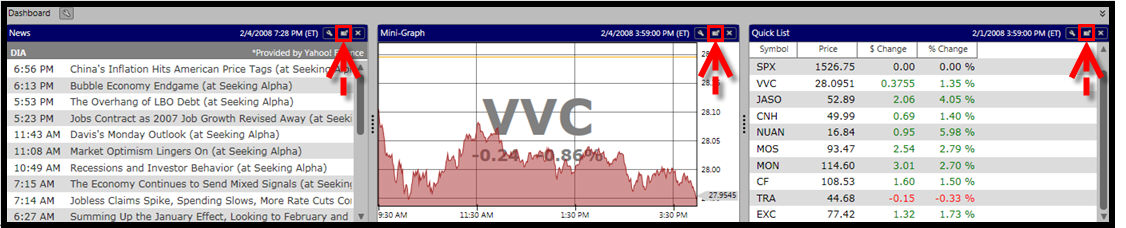
Detaching a Gadget will allow it to be viewed independently of the Dashboard. The detached gadget can be moved to another area of the screen, or to an additional monitor.
To detach a Dashboard Gadget click the Detach Icon on the Title Bar of the Gadget you would like to detach.
Re-attaching Dashboard Gadgets:
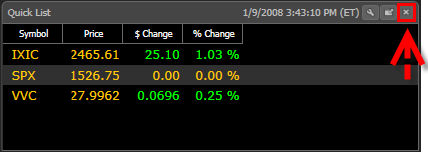
To return a detached Gadget to the Dashboard, click the 'X' on the Gadget's Title Bar.
Removing Dashboard Gadgets:
To remove a Gadget from the Dashboard click the 'X' on the Title Bar of the Gadget you would like to remove.
Selecting New Dashboard Gadgets:
To select new Dashboard Gadgets, first remove the ones you no longer want to view, then click the Configure Icon located on the Dashboard Title Bar. Select the new Dashboard Gadget from the list.
Note: The Settings Icon will not be visible unless there is an available space on the Dashboard.

Showing or Hiding the Dashboard:
To Hide the Dashboard, click once on the Title Bar, or on the double arrows located in the right corner. The dashboard will be minimized to the bottom of the screen. To show the Dashboard again, click the Title Bar, or use the show/hide arrows again.