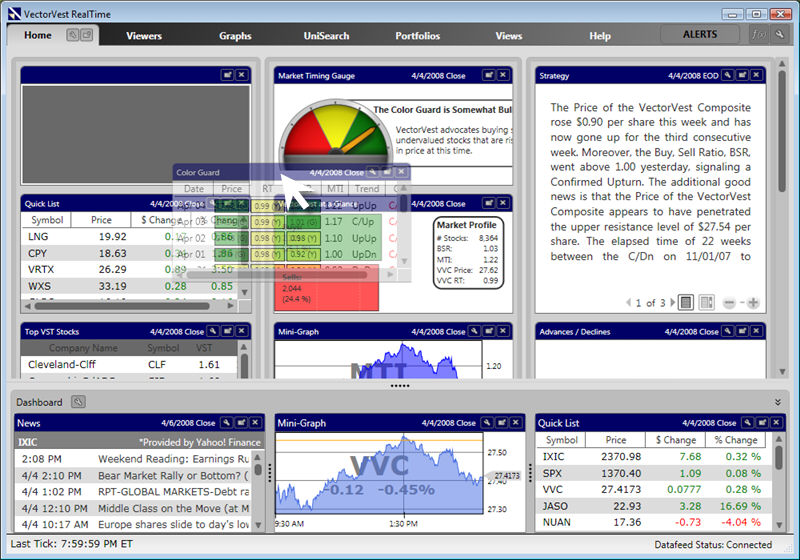
Gadgets on the HomePage and the Dashboard can be arranged in any order by dragging and dropping.
Dragging a Gadget to a New Location:
Place the cursor on the Gadget's Title Bar. The cursor will change to a four directional arrow.
Hold down the left mouse button on the Title Bar.
Move the mouse to the desired location.
Release the left mouse button.