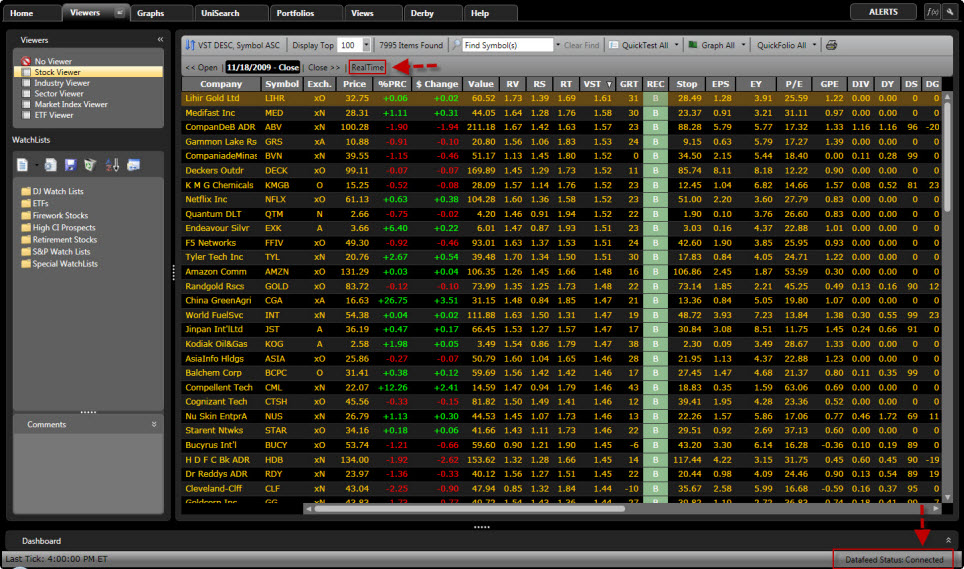
The Connection Status is displayed at the bottom of the VectorVest RealTime Screen. The datafeed may be toggled on or off according to your preference by double clicking on the Connection Status Button. Regardless of whether the status is connected or disconnected the user will need to remain connected to the internet to use the RealTime program. The time of the last tick will be displayed at the bottom left of the screen.
You may select a past date or time in Viewers, QuickTest, or UniSearch. This will stop the information from ticking in real time, but does not disconnect the datafeed. To bring the status back to RealTime, use the RealTime Button located on the Local Toolbar.