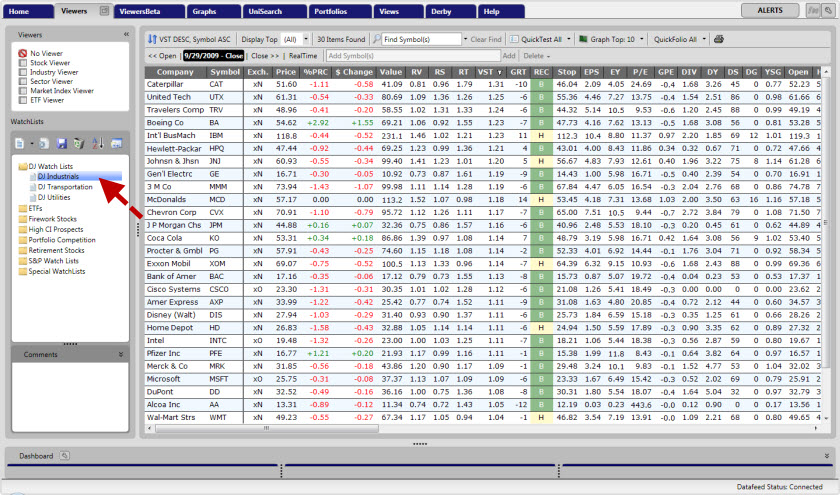
Accessing WatchLists
Accessing a WatchList:
Click the "Viewers" tab on the Main Menu Bar.
Left-click to select the WatchList Group of your choice from the Directory Panel on the left.
Select the name of the desired WatchList.
The window will now show the stocks in that WatchList ranked by VST-Vector. These stocks may by sorted, ranked and graphed in the same fashion as Stock Viewer.