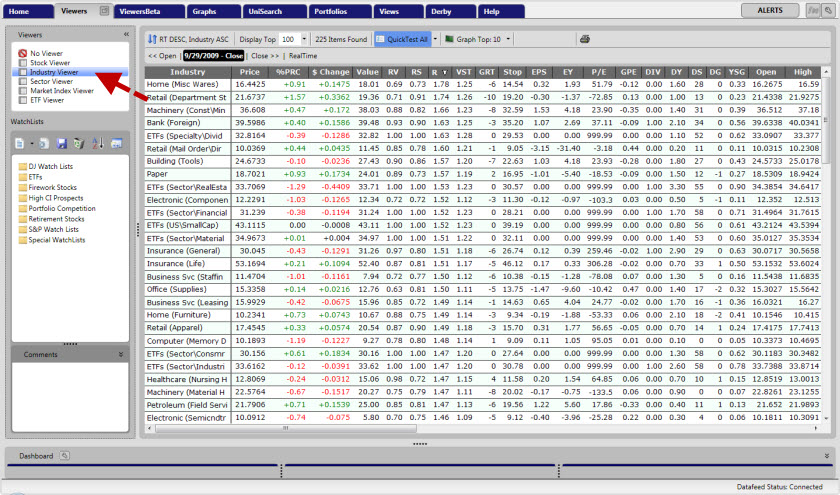
Accessing the Industry Viewer
Accessing the Industry Viewer:
1. Click the "Viewers" tab on the Main Menu Bar.
2. Select "Industry Viewer" from the Viewer Directory.
All Industry Groups will be automatically ranked by RT (Relative Timing). These industry groups may be sorted, ranked, and graphed in the same fashion as individual stocks, and update every five seconds in RealTime Mode.