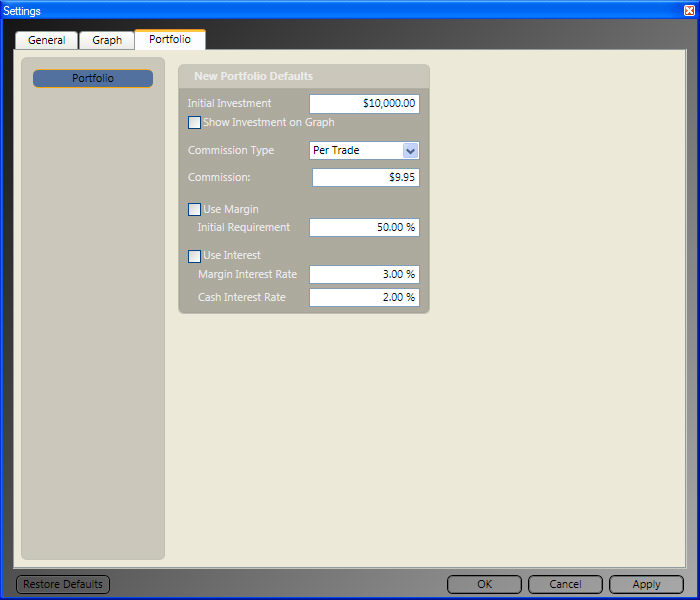
Default Portfolio Settings:
Portfolio Settings allow the user to set the default selections used when creating a new portfolio or QuickFolio. These selections include the initial investment, in addition to selections for commission, margin, and interest. To access the Default Portfolio Settings Tab, first access the Program Settings Window by clicking the Settings Icon located next to the Alerts Button in the top right corner of the program. Then click the Portfolio Tab. You may also access these settings by clicking the Portfolio Tab on the Main Menu Bar, then clicking the Settings Icon to the right of the tab label.
Make your selections for each Portfolio option, then click "Apply" to complete your changes.
Setting QuickFolio Defaults:
Select QuickFolio from the left panel on the Portfolio Settings Tab and make your selections for each of the options listed. Click "Apply" to complete your changes.