


Most traders comparing Trade Ideas vs TradingView are trying to answer the same question: do I need AI-powered signals, or do I need better charts? They’re honestly very different in terms of what they deliver, although they seem to serve the same type of trader.
Here’s the key takeaway – both platforms have earned their reputations, but neither one gives you the full picture. That’s why VectorVest’s stock software is based on a different idea – a system that rates every stock daily and delivers a clear buy, sell, or hold recommendation.
We’re going to help you sort through the differences below and figure out which approach actually fits how you invest. But if you’d rather leave the heavy lifting to a tried-and-true system that has outperformed the S&P 500 index by 10x over the past 20+ years, consider VectorVest instead.
Quick Comparison of Trade Ideas vs TradingView vs VectorVest
| Feature | Trade Ideas | TradingView | VectorVest |
| Starting Price | $89/mo (Basic) | Free; paid from $14.95/mo | $49.99/mo |
| AI Signals | Holly AI (Premium only – $178/mo) | None built-in | Buy/Sell/Hold on every stock, daily |
| Charting | Functional, 10-20 charts | 20+ chart types, Pine Script | Advanced charting + proprietary indicators |
| Market Timing | No | No | Called every major move since 2000 |
| Ease of Use | Steep learning curve | Intuitive, browser-based | 10-minute daily process |
| Trial | Free tier (delayed data) | 30-day free trial | $9.95 for 30 days |
| Best For | Active day traders | Chartists and technical analysts | All experience levels |
What is the Point of a Stock Screener?
A stock screener boils thousands of tickers down to a shortlist based on criteria you define – anything from price and volume thresholds to technical patterns and fundamental metrics. Or in the case of VectorVest, it could be proprietary metrics (relative value, relative safety, relative timing, etc.).
The goal is efficiency. Nobody should have to scan the whole market by hand every morning. Honestly, nobody could do that. It’s not practical. By the time you’ve found one good opportunity, hundreds of others will have passed you by.
Screeners vary dramatically in what happens after they generate results, though. Some hand you a list of names and leave the rest to you. Others actually tell you what to do with a given stock, removing emotion and human error from the investment strategy.
Investors hunting for Motley Fool alternatives or a stronger Seeking Alpha alternative often want something more direct than raw data. They want clear guidance on what to do with it. That’s the core of the Trade Ideas vs TradingView vs VectorVest debate.
Trade Ideas vs TradingView: Side-by-Side Comparison
These platforms serve different types of traders. Here’s what you need to know about Trade Ideas vs TradingView based on the things that matter most in a stock screener.
Dashboard and Experience
Trade Ideas has a dense desktop interface with multiple streaming windows, customizable layouts, and multi-monitor support. Expect a real learning curve as you figure out where everything lives and how to most efficiently navigate the system.
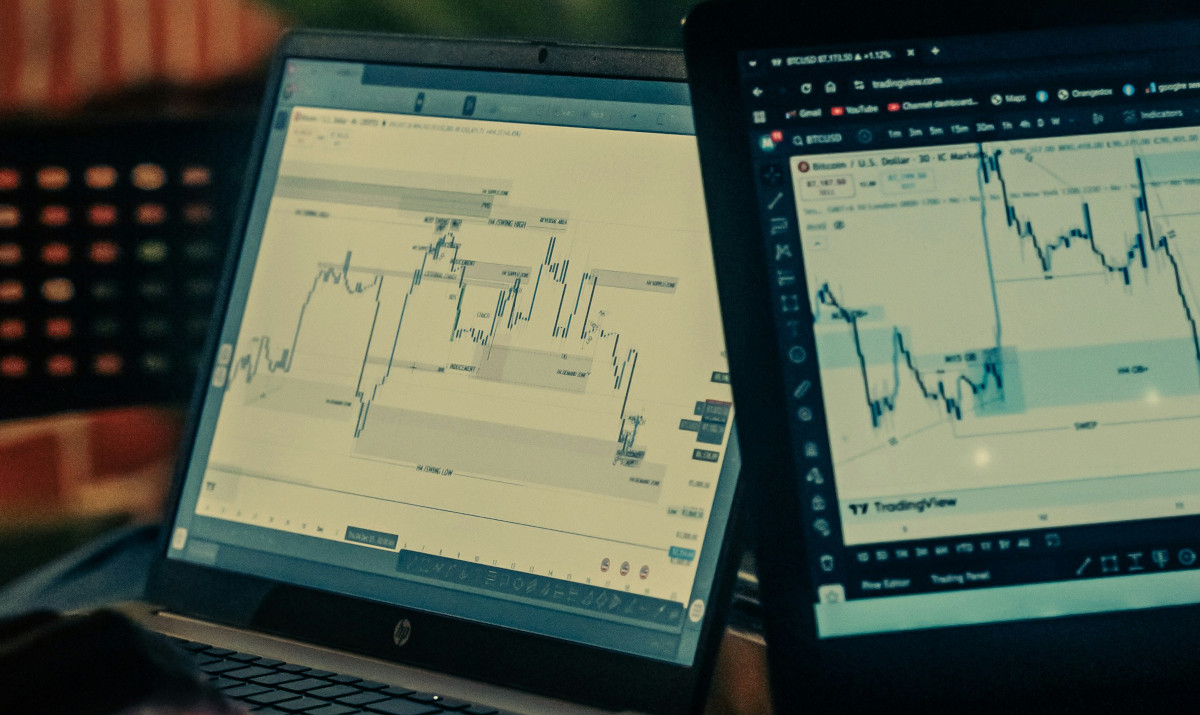
TradingView is the polar opposite: browser-based, visually clean, and easy to work with for beginners. Advanced users still get depth, but the barrier to entry is way lower.
Really, it just comes down to what you want out of the experience. Simplicity or depth.
Charting Capabilities
This is where TradingView vs Trade Ideas gets lopsided.
TradingView offers 20+ chart types, hundreds of built-in indicators, and Pine Script – a proprietary coding language backed by over 150,000 community-created scripts.
On the other hand, Trade Ideas includes charts with standard drawing tools and 10-20 simultaneous views depending on your plan. Charting is NOT its centerpiece, though. It may fall short for pure technical analysis.
Stock Picks and Watchlists
Trade Ideas’ $178/month plan unlocks Holly, an AI that backtests 60+ strategies each night and deploys the strongest 9-12 during market hours. You get real-time entry and exit signals, 5-25 trades per day, and all positions are closed before the bell. It’s a really cool feature for day traders.
In contrast, TradingView doesn’t generate picks at all. You get screening tools and community-published ideas. Every buy or sell decision rests on your shoulders – which leaves you wondering, what are you really getting out of the service?
Notifications and Alerts
Trade Ideas streams alerts the moment stocks hit your scan criteria, which is a non-negotiable for traders reacting in seconds. Think day traders, swing traders, and even options traders.
TradingView’s system is more layered with price alerts, multi-condition technical triggers, and server-side execution on paid plans. Alerts fire even when your browser is closed. Premium users get up to 400 active alerts. That’s a meaningful edge if you don’t want to be glued to a screen all day.
Community and Education
TradingView says over 100 million users rely on it, and it hosts one of the largest trading communities online, where you’ll gain access to published ideas and shared scripts alongside social features that blur the line between charting tool and social network.
Trade Ideas takes a different route with live trading rooms and hands-on coaching. There’s still an educational aspect, but less of a community element.
Other Unique Tools and Features
Beyond Holly, Trade Ideas’ biggest differentiator is backtesting and automated trading. Premium users can build strategies, test them against historical data, and automate execution through supported brokers. Just know the platform requires Windows natively (Mac users need Parallels or a virtual machine).
Comparing TradingView vs Trade Ideas through this lens comes down to flexibility. TradingView covers more asset classes like crypto, forex, futures, and bonds. It’s a multi-market terminal, whereas Trade Ideas is a pure equities screener.
Value For the Money
TradingView’s free tier is fine for some beginners, and paid plans start at $14.95/month. Even the Premium plan at $69.95/month includes 8 charts per tab, 400 alerts, and deep charting tools.
Trade Ideas starts at $89/month for Basic, and Holly AI costs $178/month – over $2,100 a year for the AI signals. The price gap in the Trade Ideas vs TradingView comparison is significant. So significant that it’s worth asking whether either platform delivers enough to justify the cost.
Should You Consider VectorVest Over Trade Ideas and TradingView?
The Trade Ideas vs TradingView debate tends to assume those are your only two options. If you’ve been looking for a TradingView alternative that goes beyond charting, or you’ve already explored Trade Ideas vs VectorVest, here’s what makes our approach different.
VectorVest doesn’t just screen stocks or generate raw signals. Every stock gets a daily rating and a clear buy, sell, or hold recommendation that you can count on.
How the VST System Works
The VST system is made up of three ratings:
- Relative Value: What it’s actually worth based on forecasted earnings, growth, and risk.
- Relative Safety: How consistent and predictable the company’s financials are.
- Relative Timing: The direction and momentum of recent price movement.
These combine into a single VST rating put on a 0.00-2.00 scale – above 1.00 is favorable, below is not. The result is a clear buy, sell, or hold recommendation for every stock. No manual interpretation required.
Key Features and Integrations
VectorVest analyzes over 16,000 stocks daily across US, Canadian, Australian, and European markets. Pre-built screeners surface top-rated opportunities immediately, and custom screens let you filter by any combination of our proprietary indicators.
The market timing system has called every major downturn since 2000, from the dot-com crash through COVID. It also tells you when to get back in the market at the perfect time to purchase stocks at a discount.
The stock advisory app puts curated picks and daily market signals right on your phone, with brokerage integration to trade directly from the app. You never have to miss an opportunity.
Plans and Pricing
Market Launchpad starts at $49.99/month – less than Trade Ideas’ Basic tier and comparable to TradingView’s Premium plan, except buy/sell/hold recommendations come built in.
Enhanced runs $99/month with custom screeners and 16,000+ stocks. Premium adds real-time data and trading automation for $149/month. Not the cheapest option on the market, but you get what you pay for – no question.
Every plan starts with a $9.95, 30-day trial. Get a free stock analysis today to see how our system rates the stocks you already own!
Frequently Asked Questions
Is Trade Ideas a good platform?
It’s fine for active day traders who want AI-generated signals. Holly AI is genuinely a cool feature. The main drawbacks are the $178/month Premium price tag, a steep learning curve, and the fact that it only runs on Windows natively – Mac users need Parallels or a virtual machine.
What is the difference between Trade Ideas Screener and TradingView?
The main TradingView vs Trade Ideas difference is purpose. Trade Ideas is a real-time stock scanner with AI-driven signals built for intraday momentum trading. TradingView is a charting and technical analysis platform; screening is secondary. TradingView covers more asset classes and has a massive social community; Trade Ideas has deeper automation and AI-powered trade execution.
Is there a better trading platform than TradingView?
TradingView falls short in telling you what to actually do with the information on screen. VectorVest fills that gap. It has outperformed the S&P 500 by 10x over 22+ years and gives every stock a clear buy, sell, or hold recommendation. You can learn more about Seeking Alpha vs TipRanks or TipRanks vs Motley Fool in our blog – or, just upgrade to the #1 trading system in VectorVest today.


Leave A Comment