

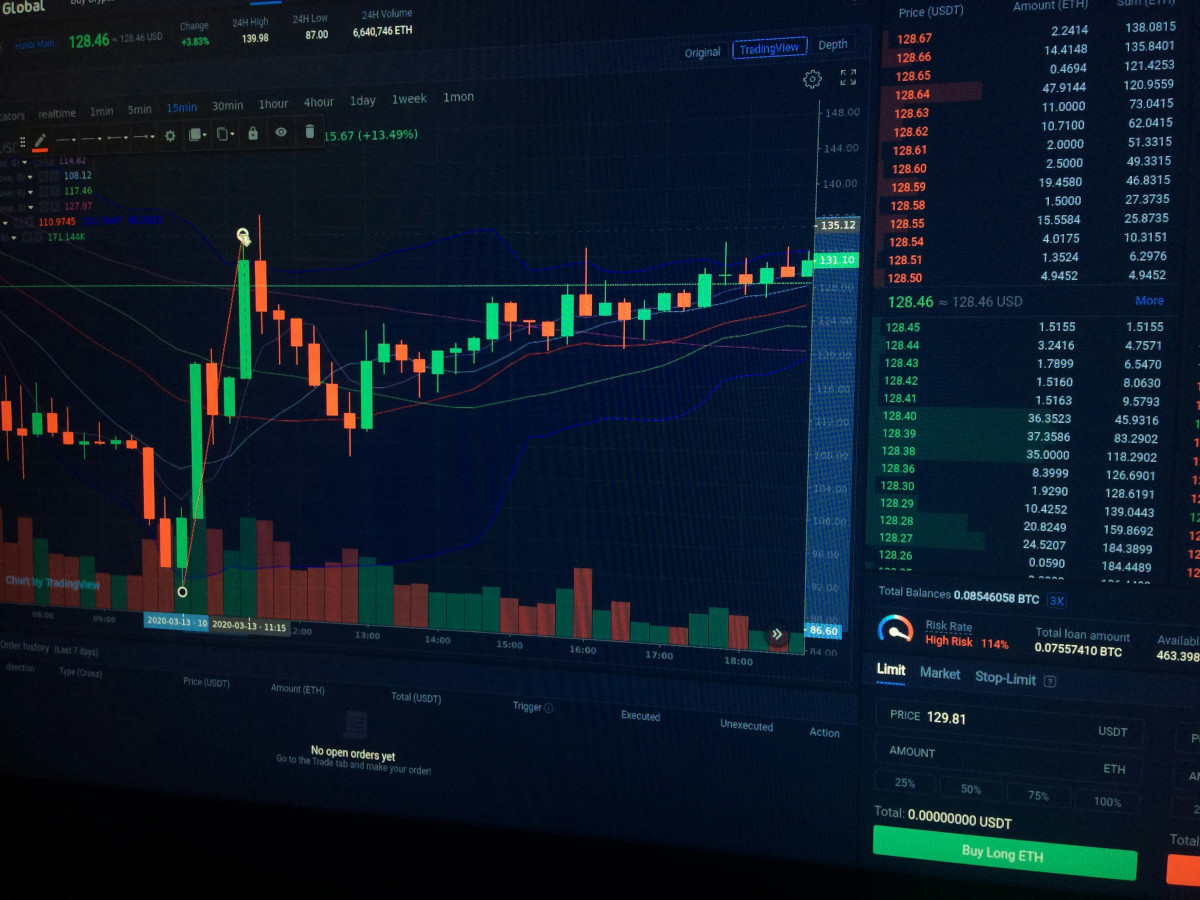
Not sure where you should go with NinjaTrader vs TradingView? You’re not alone! We see this comparison play out in trading forums all the time, so we decided to put together this in-depth TradingView vs NinjaTrader comparison for you.
They’re honestly quite a bit different. But that’s not necessarily a bad thing – it just means you might find that one is way more aligned with what you’re looking for in a stock forecasting software. Or, you may find that you need both. We’re going to get to the bottom of it today.
You’ll also discover the niche VectorVest fills. It’s the #1 stock advisory for investors who want to remove all the stress and guesswork from their decision-making to win more trades with less work. It tells you what to buy, when to buy it, and when to sell it. Learn more below!
NinjaTrader vs TradingView vs VectorVest (Fast Facts)
- NinjaTrader: A desktop platform & brokerage for futures trading. There’s a free tier with higher commissions, or you can get better rates and advanced features for $99/month. Hundreds of indicators and all sorts of automation features built-in.
- TradingView: A browser-based multi-asset charting system trusted by over 100 million traders. There’s a free tier and five paid plans (starting at $14.95/month). You can overlay custom indicators via Pine Script, or pull from 100K+ community scripts.
- VectorVest: A proprietary stock rating system available on desktop and mobile. Gives you a clear buy, sell, or hold recommendation for any given stock at any given time. Real-time data via Nasdaq. Has outperformed the S&P 500 by 10x over 22 years.
Ease of Use
We’d be lying if we told you either NinjaTrader vs TradingView is super easy to get started with. Both will assume you have some level of knowledge regarding stock charts and potentially even coding.
That said, TradingView is more accessible in our opinion. You can sign up, open a browser, and begin charting. You don’t have to download anything, configure a data feed, or set up a complicated workspace. You can technically just pull scripts from the community.
On the other hand, NinjaTrader is purposefully granular – in every aspect imaginable. It’s specifically designed for futures traders who want unparalleled control over every element of their workspace. That power obviously comes at the cost of complexity. You have to configure a data feed, connect to a brokerage, and build a multi-monitor layout to really get going.
But in comparing VectorVest vs NinjaTrader vs TradingView, it’s by far the simplest of the three. You can go from complete beginner to successfully executing your first trade in minutes.
The VST system is as intuitive as it gets. Every stock is rated on a scale of 0.00-2.00, with 1.00 being the average. Each stock is assigned a buy, sell, or hold recommendation as well. It can be as easy as following the system’s recommendations.
Technical Analysis Features
NinjaTrader comes with 100+ built-in indicators out of the box. You have access to thousands of third-party add-ons through its ecosystem marketplace, too. Specifically for futures traders, though, the Order Flow+ feature clues you into volumetric data and depth-of-market visualization that’s pretty much unrivalled.
In contrast, TradingView lets you build the indicators yourself. You’ll use Pine Script to do this. It’s a custom coding language. You don’t have to play developer if you don’t want to, though. There are hundreds of thousands of community-created scripts at your fingertips.
Overall, TradingView has the edge over NinjaTrader when it comes to charting flexibility across more than one asset class. NinjaTrader might be the better fit for futures, though.
For the sake of comparison, VectorVest is less of a charting platform and more of a decision-making engine. Everything boils down to the VST system, which consists of three ratings:
- Relative value (RV)
- Relative safety (RS)
- Relative timing (RT)
You’ll use these three ratings, but especially the RT rating, to pinpoint your entry and exit with precision. VectorVest is the tool you choose when you don’t want to spend hours glued to your screen analyzing stocks manually.
Connecting to Brokerages and Managing Trades
NinjaTrader IS a brokerage. That’s part of the appeal. You can open a futures account directly through NinjaTrader Clearing, LLC. You’ll have to set up a third-party connection to trade stocks and forex, though – such as Interactive Brokers. This also requires a $99/month add-on (Multi-Broker).
TradingView is a bit more flexible as far as trade execution is concerned. You can connect to over 25 brokerages, ranging from Interactive Brokers to moomoo, TradeStation, OANDA, and more. You’re able to execute trades from TradingView charts without switching windows.
VectorVest integrates with just a handful of brokerages: TradeStation, Interactive Brokers, and Questrade. You can right-click on any ticker to open a pre-filled order ticket in your brokerage.
Customization For a Specific Strategy
Investing is not one-size-fits-all, even if you fall within one of the main styles – swing trading, options scalping, or long-term buy-and-hold. You have to be able to fine-tune the tool to your strategy, so think about this as you choose between NinjaTrader vs TradingView.
This is no problem with NinjaTrader. You can create automated trading rules without writing a single line of code! The platform will generate NinjaScript (C#) behind the scenes after you define your entry/exit conditions through a point-and-click interface. Super simple.
The Pine Script feature within TradingView is kind of similar, but it runs server-side. Custom strategies are built, tested, and published within the browser. The trade-off is that Pine Script can flag signals but can’t execute trades on its own. That requires a webhook, which is a hassle.
VectorVest works for any strategy, with pre-curated stock picks waiting to be discovered based on the criteria you care about most – momentum, safety, value, or any combination. You can also find opportunities based on the sectors you like to trade. There are advanced features for options trading, too.
Backtesting Capabilities
NinjaTrader’s Strategy Analyzer is pretty powerful. It lets you backtest against historical futures data with walk-forward optimization so you don’t get caught in overfitting. The Market Replay feature lets you watch historical playback down to the tick-by-tick level.
TradingView has its own Strategy Tester, which puts your Pine Script strategy to the test with historical data (bar depth depends on your plan – you get 5,000 bars on free up to 40,000 on ultimate).
Both tools are great for backtesting. VectorVest lets you backtest as well, but there’s a really cool element for those who are not convinced of the historical performance – you can see every historical call VectorVest has made. After all, it has called every major market move since the Dot Com Crash.
Automation and Alerting
You can fully automate your futures trading through NinjaTrader on desktop. You can let any strategy built in NinjaScript or Strategy Builder run live trades without manual intervention. Alerts can directly trigger order submissions, complete with stop-loss and profit-target orders built-in.
On the other hand, TradingView can’t fill orders on its own. Like we said earlier, automation requires you to set up separate webhook alerts through a third-party service (such as TraderPost or Alertatron).
One of the really cool features VectorVest offers is ProfitLockerPro. This advanced tool automatically manages the exit side of your positions. It uses dynamic trading stops to capture profits while they’re there, leave room for more, and cut losses before they spiral out of control.
Pricing and Plans
NinjaTrader is a free platform – you pay commissions on every trade. $0.39/side on micros and $1.29/side on standard contracts at the free tier. You can upgrade to a paid plan ($99/month) to drop those down to $0.29 and $0.99 respectively. Or, buy a lifetime license for $1,499 and get those fees down to $0.09 and $0.59. Note that exchange and clearing fees apply on top.
TradingView is also a free platform, but you only get two indicators per chart and three active alerts on that tier. Any active trader will demand more. Paid plans include:
- Essential $14.95/mo
- Plus $34.95/mo
- Premium $69.95/mo
- Ultimate $239.95/mo
You’ll have to purchase a separate subscription for any of these plans if you want real time data via NYSE or NASDAQ, though.
The VectorVest stock advisory starts at $19.99/mo, and desktop plans range from $49.99 to $149/mo. Every tier includes the VST rating system and buy/sell/hold recommendations. You can unlock real-time data and more sophisticated tools on higher plans.
TradingView vs NinjaTrader vs VectorVest: Final Verdict
There’s no right or wrong answer regarding NinjaTrader vs TradingView. They’re totally different. Both let you analyze a specific type of market, so it really just comes down to what you want to trade and how you like to handle analysis.
But as far as NinjaTrader and TradingView alternatives go, VectorVest is the #1 choice. It removes human error, emotion, and time from your trading strategy and helps you win trades on autopilot. Learn more about how it works with a free stock analysis today!
Frequently asked questions
Is NinjaTrader or TradingView better?
Choose NinjaTrader for futures; TradingView for equities. Comparing NinjaTrader vs TradingView is really that straightforward.
Can you connect NinjaTrader to TradingView?
Yes. NinjaTrader is an integrated broker via TradingView if you decide to do your analysis in TradingView and execute futures orders through NinjaTrader. They’re separate tools, though.
What makes VectorVest the #1 tool for stock analysis?
The proprietary VST rating system simplifies your day-to-day analysis by just telling you what to buy, when to buy it, and when to sell it. The system has outperformed the S&P 500 by 10x over 22 years. Boost your returns and save time and stress with VectorVest!
Related Resources
TrendSpider vs TradingView | TradingView vs ThinkOrSwim | Stockcharts vs TradingView






Leave A Comment